Tailwind color palettes the AI way!
2 min read
- showdev
- tailwindcss
- ai
- mcp
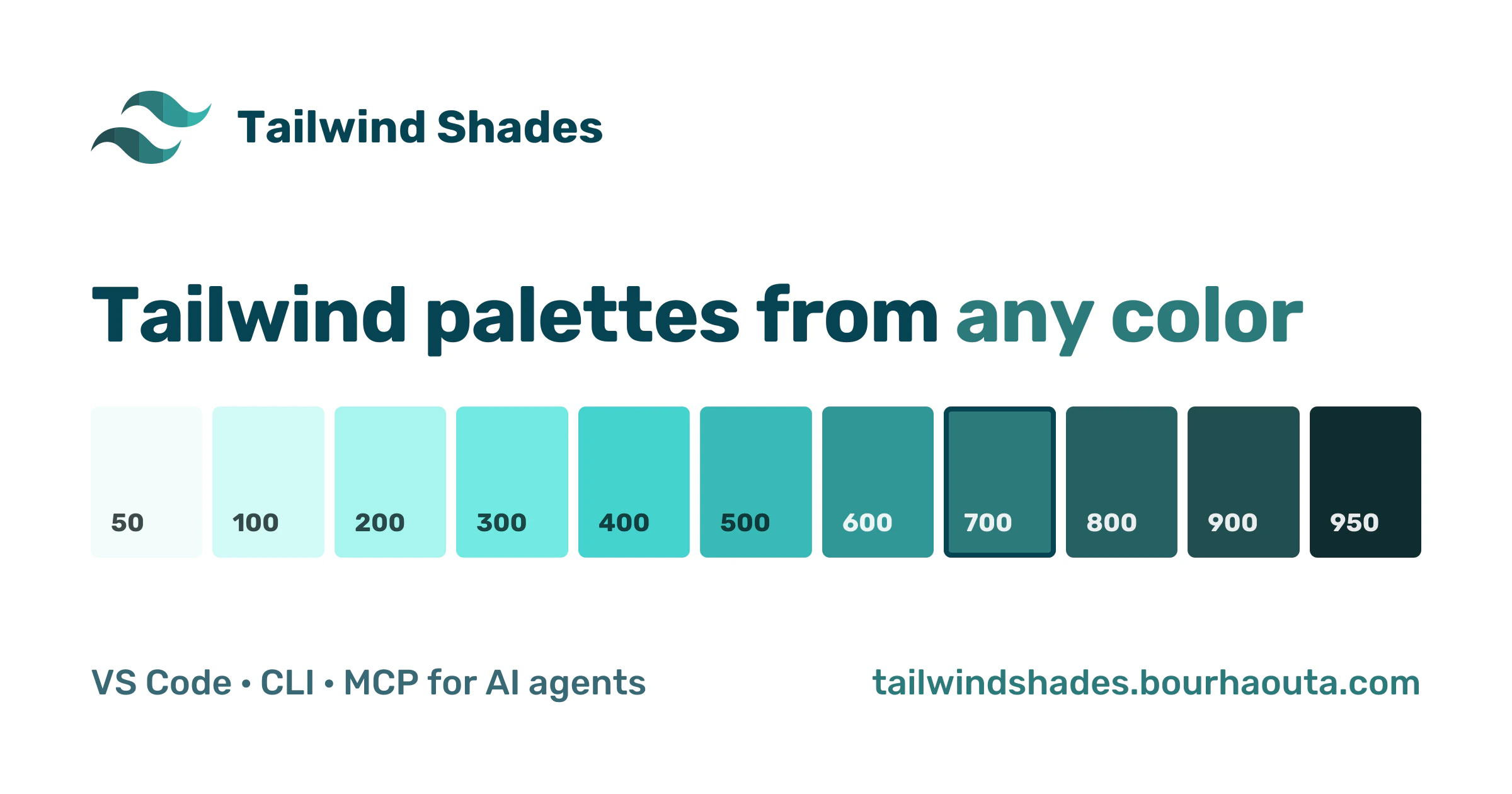
AI agents write a lot of our CSS now, but they still guess Tailwind colors. So I gave them the same tool I use: real palettes, from any color.
In the last post I said: no need to ask the AI for a Tailwind palette, one shortcut in your editor does it. That's still true. But more and more, it's not me typing the CSS. It's the agent.
So I tried it. I asked an agent: "Add a brand color #db4d53 to my theme". It added one line:
--color-brand: #db4d53;
One color, no shades. So bg-brand-500 and hover:bg-brand-600 don't exist. And when agents do write the shades, they guess them.
So Tailwind Shades is now more than a VS Code extension. The same engine is also an MCP server for AI agents, a CLI, and a website.
Give it to your agent
MCP is how AI agents like Claude Code, Cursor and VS Code use outside tools. The server runs online, so there's nothing to install. In Claude Code:
claude mcp add --transport http --scope user tailwindshades https://tailwindshades.bourhaouta.com/mcp
Or in Cursor's ~/.cursor/mcp.json:
{
  "mcpServers": {
    "tailwindshades": { "url": "https://tailwindshades.bourhaouta.com/mcp" }
  }
}
Now ask the same thing again, and you get the full palette in your project's Tailwind format, with #db4d53 exactly at brand-500:
@theme {
  --color-brand-50: oklch(97.1% 0.01 13.669);
  --color-brand-100: oklch(93.2% 0.024 14.006);
  /* ... */
  --color-brand-500: oklch(61.6% 0.177 21.62);
  /* ... */
  --color-brand-950: oklch(25.8% 0.069 22.331);
}
The agent gets two tools:
generate_palette: the full palette from one color, for Tailwind v4, v3, v2 or v1.closest_tailwind_color: the closest Tailwind class to a color, and if the difference is visible. For#db4d53it saysred-500, but the difference is visible, so a custom palette is better.
It also warns the agent when a name would replace a Tailwind color. Without a name, the palette would be called red, and every red-* class in your app would change.
Prefer it local? Run npx -y tailwindshades-mcp instead. Then nothing leaves your machine.
No editor? No agent?
There's a website now: tailwindshades.bourhaouta.com. Pick a color, see the palette next to the Tailwind color it follows, and copy the code. You can also share a palette with a link.
And in the terminal:
npx tailwindshades-cli "#db4d53" --name brand
A better fit
If you read the last post, #db4d53 landed at 400. Now it's 500.
The engine used to pick the shade by chroma, how colorful your color is. Now it picks the shade with the closest lightness, so the whole palette follows Tailwind's light-to-dark steps more closely. Building the MCP server is how I found it: the closest Tailwind shade to #db4d53 is red-500, but the palette put it at 400.
Get it
- Website, with the setup for each agent
- VS Code Marketplace and Open VSX
- npm: tailwindshades-mcp and tailwindshades-cli
- Source on GitHub
If your agent picks better colors now, a star on GitHub or a rating on the Marketplace helps other people find it.